
Vacuum Keeps Shutting Off? 5 Things to Check
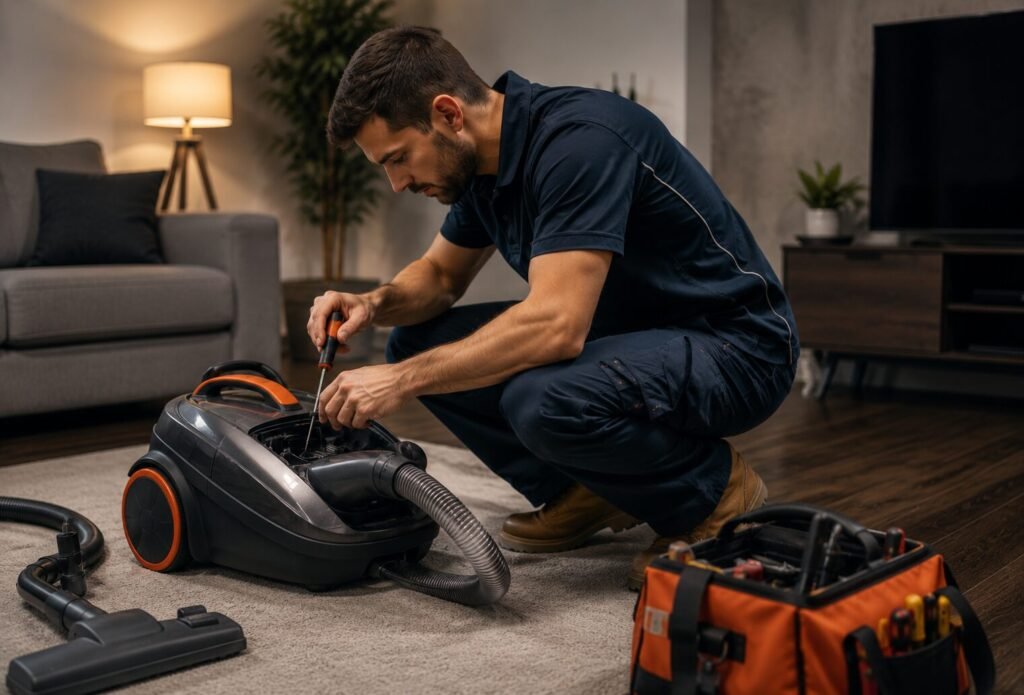
Quick answer: A vacuum that keeps cutting out mid-clean is almost always its built-in overheating protection reacting to blocked airflow — a full bin, a clogged filter, or a blocked hose or brush roll — rather than a serious fault. Clear those and give it time to cool down before assuming it needs a repair.
1. Empty the bin or check the bag
A full bin or bag is the most common reason a vacuum overheats and shuts off. It restricts airflow through the motor, and the built-in thermal protection cuts power to protect it — often before the bin even looks completely full.
2. Clean or replace the filter
A clogged filter has the same effect as a full bin — it chokes airflow through the motor. Most filters can be rinsed (check they’re fully dry before refitting) or should be replaced roughly every three to six months depending on how often you vacuum.
3. Check the hose and brush roll for blockages
Hair, string and larger debris can lodge in the hose or wrap around the brush roll, restricting airflow the same way a full bin does. Detach the hose if possible and check for anything stuck along its length.
4. Let it cool down before restarting
Once the thermal cutout trips, most vacuums need somewhere around 30–45 minutes to cool before they’ll run properly again. Switching it straight back on repeatedly won’t fix the underlying blockage and can trip the cutout again immediately.
5. Check the power cord and plug
A vacuum that cuts out intermittently rather than after sustained use, particularly if it flickers on and off when the cord is moved, may have a frayed cord or a loose connection at the plug rather than an airflow issue.
When it’s a job for a technician
Emptied the bin, cleaned the filter, checked the hose, and it’s still shutting off after cooling down properly? That points to a motor or wiring fault that needs proper diagnosis. Our vacuum repair technicians in Hobart, Indiana diagnose the exact cause on the visit and give you a flat, upfront price before any work starts.
A vacuum that keeps overheating even with a clear bin, filter and hose usually points to the motor itself — not something left blocking the airflow.
Frequently Asked Questions
How long should I wait before turning the vacuum back on?
Give it 30–45 minutes to cool down fully. Turning it back on too soon after the cutout trips can trigger it again straight away, even once the blockage is cleared.
Is overheating protection a fault, or is it supposed to happen?
It’s a normal safety feature designed to protect the motor — it’s only a sign of a fault if it keeps happening even with a clear bin, clean filter and unblocked hose.
How much does this kind of repair typically cost?
It depends on the fault — a filter or hose issue costs nothing to fix yourself, while a motor fault costs more. We diagnose and quote upfront before any work starts, and every repair is backed by a 12-month parts and labour guarantee.
Cleared the bin, filter and hose and it’s still cutting out? Book a technician online — we repair vacuums right across Hobart, Indiana. You might also find our guide on what to check if your vacuum is losing suction useful.
Want to avoid a repeat call-out? See our maintenance checklist for Hobart, Indiana homeowners.
Need a technician instead of an article?
Real Hobart technicians, upfront pricing, 12-month guarantee.