
Vacuum Won’t Turn On? 5 Things to Check
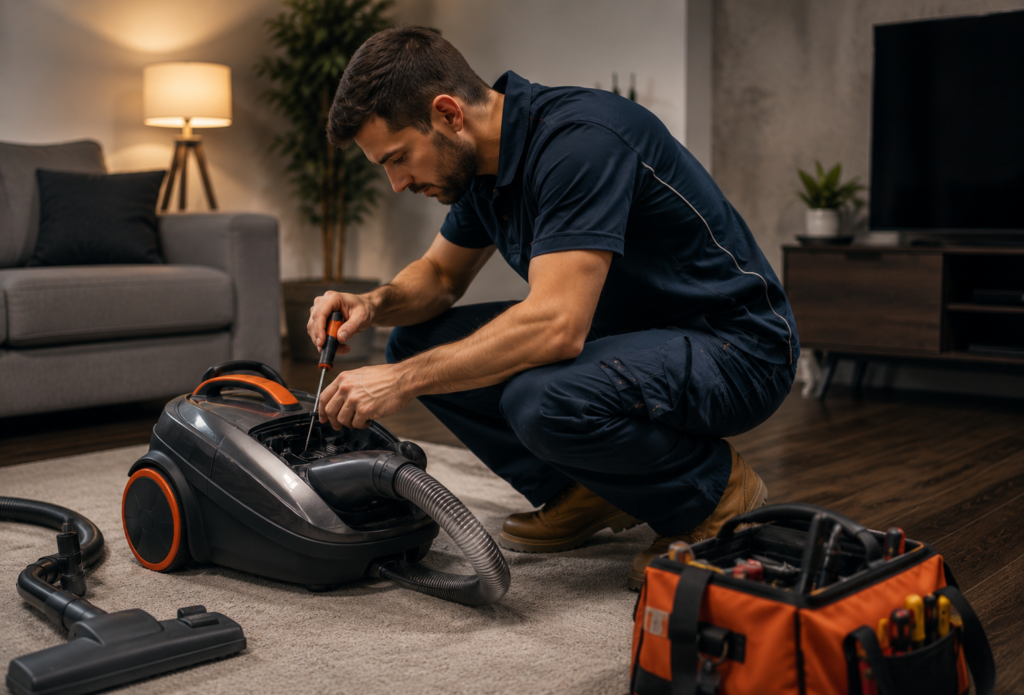
Quick answer: A vacuum with no power at all is usually one of a few things: for corded models, check the outlet, cord and circuit breaker first; for cordless models, it’s almost always the battery or charging dock. A tripped thermal cut-out from overheating is another common, easily-missed cause on both types.
1. Check the outlet and plug connection
It sounds obvious, but test the outlet with another device (phone charger, lamp) before assuming the vacuum itself has failed. Push the plug in firmly — a loose connection at the wall is a surprisingly common cause of an intermittent “no power” fault.
2. Check the power cord for damage
Inspect the full length of the cord for cuts, fraying or a chewed section (pets are a common culprit), and check both ends — where it meets the plug and where it enters the vacuum body — for a loose or damaged connection.
3. Check the circuit breaker
A vacuum drawing a sudden high load (especially on an older circuit) can trip a breaker without any other warning sign. Check your switchboard and reset if needed, then try a different outlet on a different circuit if it trips again.
4. Cordless vacuums: check the battery and dock
Confirm the battery is actually charging — look for a charging light on the dock or handle, and try leaving it on charge for a full cycle rather than assuming a quick check is enough. A dock that isn’t seated properly, or contacts with a build-up of dust, can stop charging even though everything looks connected.
5. Check for a tripped thermal cut-out
Most vacuums have a safety cut-out that shuts the motor off if it overheats — often triggered by a blocked filter, full bin or clogged hose making the motor work too hard. If the vacuum stopped mid-clean rather than failing to start at all, switch it off, clear any blockages, and let it cool for 30–45 minutes before trying again.
When it’s a job for a technician
If the outlet, cord, breaker and (for cordless models) battery all check out and the vacuum still won’t power on, it’s likely a faulty switch or an internal wiring fault that needs a proper diagnosis. Our vacuum repair technicians in Hobart, Indiana service most major brands, including Dyson, with upfront pricing before any work begins.
A vacuum that cuts out repeatedly from overheating is worth getting checked even if it eventually powers back on — it’s usually a sign of an ongoing blockage or an ageing motor working harder than it should.
Frequently Asked Questions
Why did my vacuum stop working suddenly mid-clean?
This points more towards a thermal cut-out than a power fault — the motor has likely overheated from a blockage or full bin and shut itself off as a safety measure. Let it cool and clear any blockages before trying again.
Is it worth repairing a cordless vacuum with a dead battery?
Usually, yes — on most models the battery is a separate, replaceable part rather than something built into the motor, so a battery replacement is generally far cheaper than a new vacuum.
How much does vacuum repair cost in Hobart, Indiana?
It depends on the fault — a switch or cord repair is generally inexpensive, while a motor or battery replacement costs more. See our appliance repair cost guide for what typically affects the price, or we’ll diagnose and quote upfront before any work starts.
Still no power after checking the above? Book a technician online — we repair vacuums right across Hobart, Indiana. You might also find our guide on what to check if your vacuum has lost suction useful.
Want to avoid a repeat call-out? See our appliance maintenance checklist.
Need a technician instead of an article?
Real Hobart technicians, upfront pricing, 12-month guarantee.